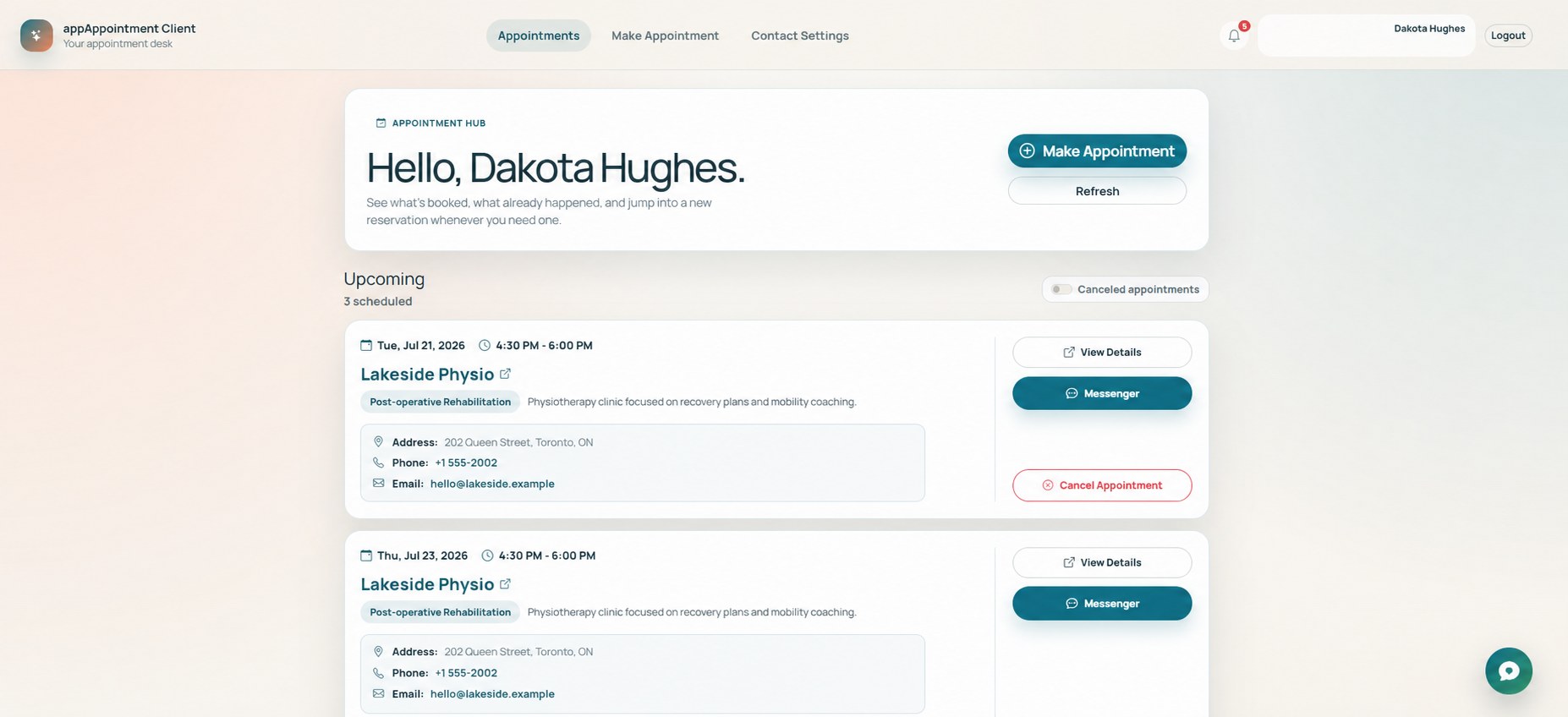
1. Find a provider and request a time
Book with a company whose published profile you can access.
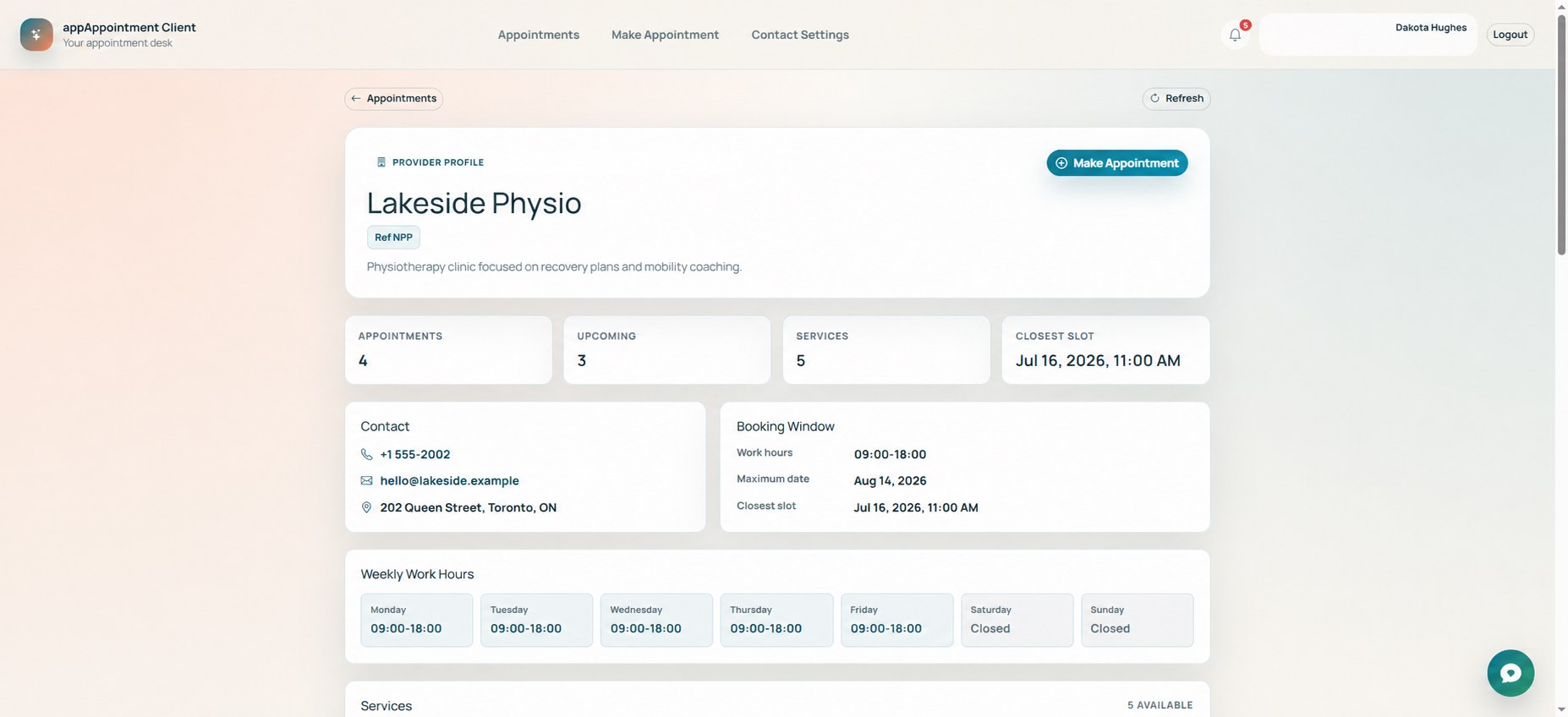
Explore companies
Browse the directory and open a provider profile to review its services, hours and contact details.
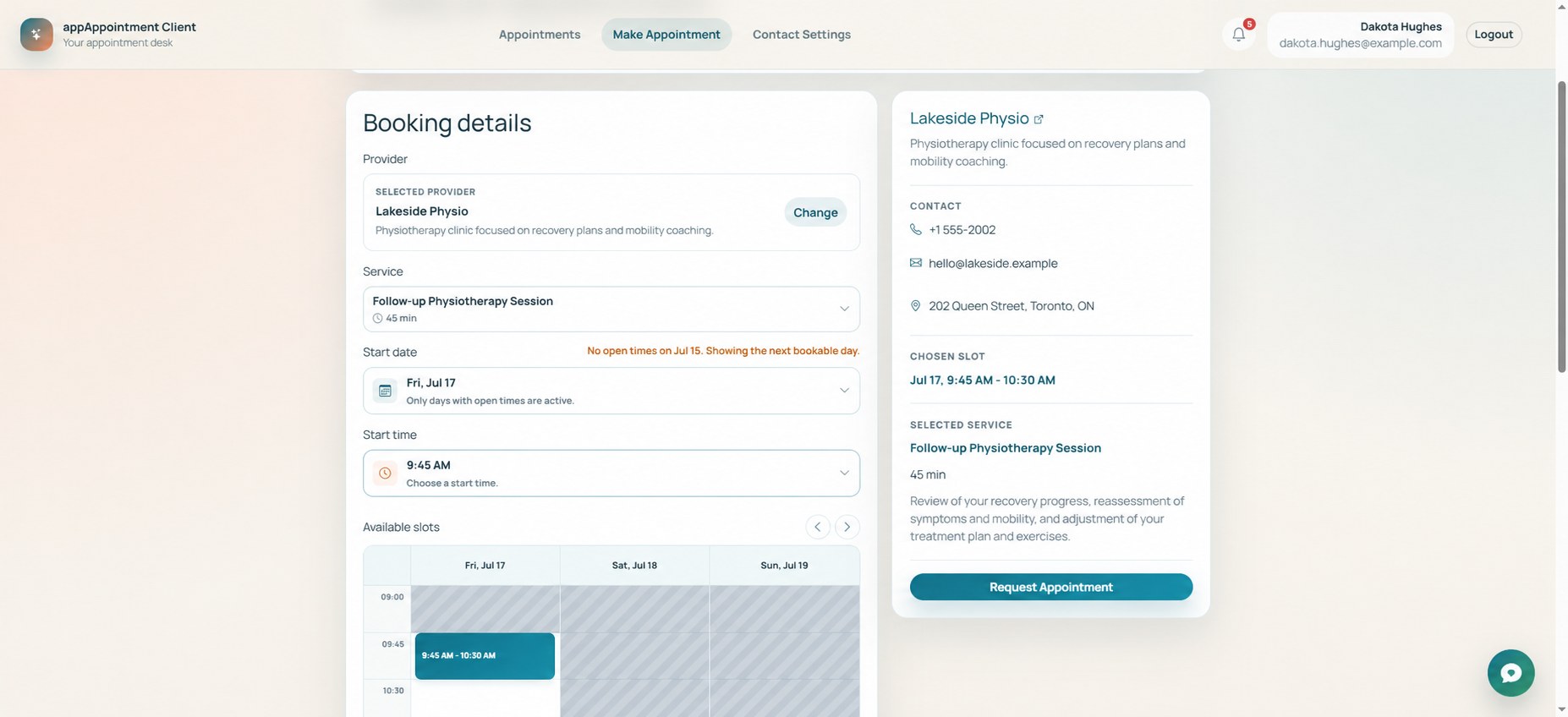
Choose a service
Select what you need; AppClient shows the times that can be requested for that provider and service.
Pick an available time
Review the booking calendar and choose the date and time that fit your schedule.
Send the request
Check the summary and submit the appointment request. The business receives it in AppTenant.
A clear booking request based on published services and available time.